5 Best Free AI Tools That Will Change the Way You Work in 2026
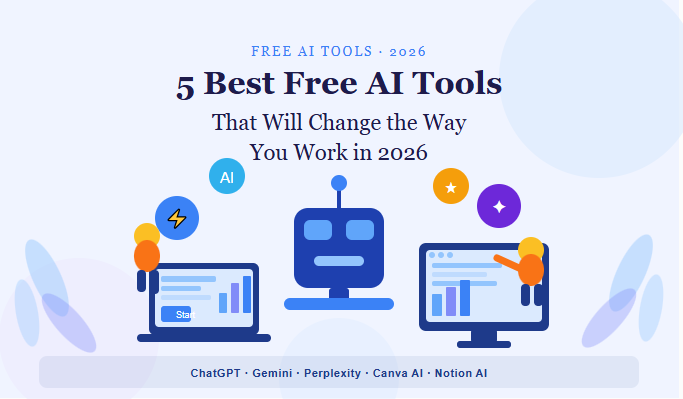
We are living in a time where artificial intelligence is no longer a concept from science fiction. It is now part of our everyday work. Whether you are a freelancer, a student, a marketer, or a business owner, AI tools are quietly reshaping how tasks get done — faster, smarter, and with far less effort.
The best part? You do not need to spend a fortune to get started. There are powerful AI tools available for free that can genuinely transform your workflow. In this article, we will walk you through five of the best free AI tools you should be using in 2025.
1. ChatGPT — Your All-Purpose AI Assistant
ChatGPT by OpenAI remains one of the most widely used AI tools in the world, and for good reason. It can write emails, summarize documents, answer complex questions, generate code, and even help you brainstorm ideas within seconds.
The free version gives you access to GPT-3.5, which is more than capable for most everyday tasks. Whether you need to draft a professional email or get a quick explanation of a difficult concept, ChatGPT handles it with ease.
Best for: Writing, research, coding help, and general Q&A.
2. Google Gemini — AI Built Into Your Workflow
Google Gemini is Google’s answer to the growing demand for smart AI assistants. What makes it stand out is how deeply it integrates with Google’s ecosystem — Gmail, Docs, Drive, and more.
The free version allows you to ask questions, generate content, and even analyze images. If you already use Google products daily, Gemini slots right into your existing workflow without any friction.
Best for: Google Workspace users, content creation, and image understanding.
3. Perplexity AI — Search Reimagined
Traditional search engines show you links. Perplexity AI gives you answers — with sources. It works like a research assistant that reads the web for you and presents the most relevant information in a clean, readable format.
For anyone who spends time doing online research, Perplexity saves hours by cutting through the noise and delivering accurate, cited responses in real time.
Best for: Research, fact-checking, and staying up to date on any topic.
4. Canva AI — Design Without the Learning Curve
Canva has long been a favorite for non-designers, and its AI features have taken it to a whole new level. With tools like Magic Write, AI image generation, and one-click background removal, creating professional visuals has never been more accessible.
The free plan includes a generous set of AI-powered features that let you produce graphics, presentations, and social media content without needing design skills or expensive software.
Best for: Social media content, presentations, marketing materials, and branding.
5. Notion AI — Smarter Notes and Project Management
Notion was already a popular tool for organizing work, but the addition of AI has made it significantly more powerful. Notion AI can summarize long notes, generate action items from meetings, write first drafts, and help you think through projects more clearly.
If you manage tasks, collaborate with a team, or simply want to keep your thoughts organized, Notion AI adds a layer of intelligence to your workspace that feels genuinely useful.
Best for: Project management, note-taking, team collaboration, and writing drafts.
Where to Find More AI Tools
The AI space is moving fast, and new tools are being released almost every week. Keeping track of what is worth your time can feel overwhelming. That is why having a reliable resource makes all the difference.
For a curated list of the best AI tools available today, Featured on AiToolSaver is a great place to start. It brings together top-rated tools across different categories, so you can find exactly what you need without wasting time on tools that do not deliver.
Final Thoughts
AI is not here to replace you — it is here to make you better at what you do. The five tools covered in this article are free, practical, and ready to use today. Whether you want to write faster, design with ease, research more efficiently, or stay organized, there is an AI tool on this list that fits your needs.
Start with one, get comfortable, and then explore the others. The sooner you bring AI into your workflow, the sooner you will wonder how you ever worked without it.